
Playrooms Support DLC — Ballsweeper (Two Pixels Steam)
Playrooms Support DLC app 5318320 on Steam: Ballsweeper mini-game on the in-game PC, no main-game gameplay value, Coming soon, not in the Demo.
What is the Playrooms Support DLC?
Playrooms - Support DLC is a separate Steam product (app 5318320) published by Two Pixels UG. The store API marks it Coming soon, is_free: false, and without a public price on November 2, 2026.
Steam short_description (paraphrased closely): expansion for players who want to support developers; primarily intended to support the developers; does not offer game-relevant gameplay value; only provides an additional mini game.
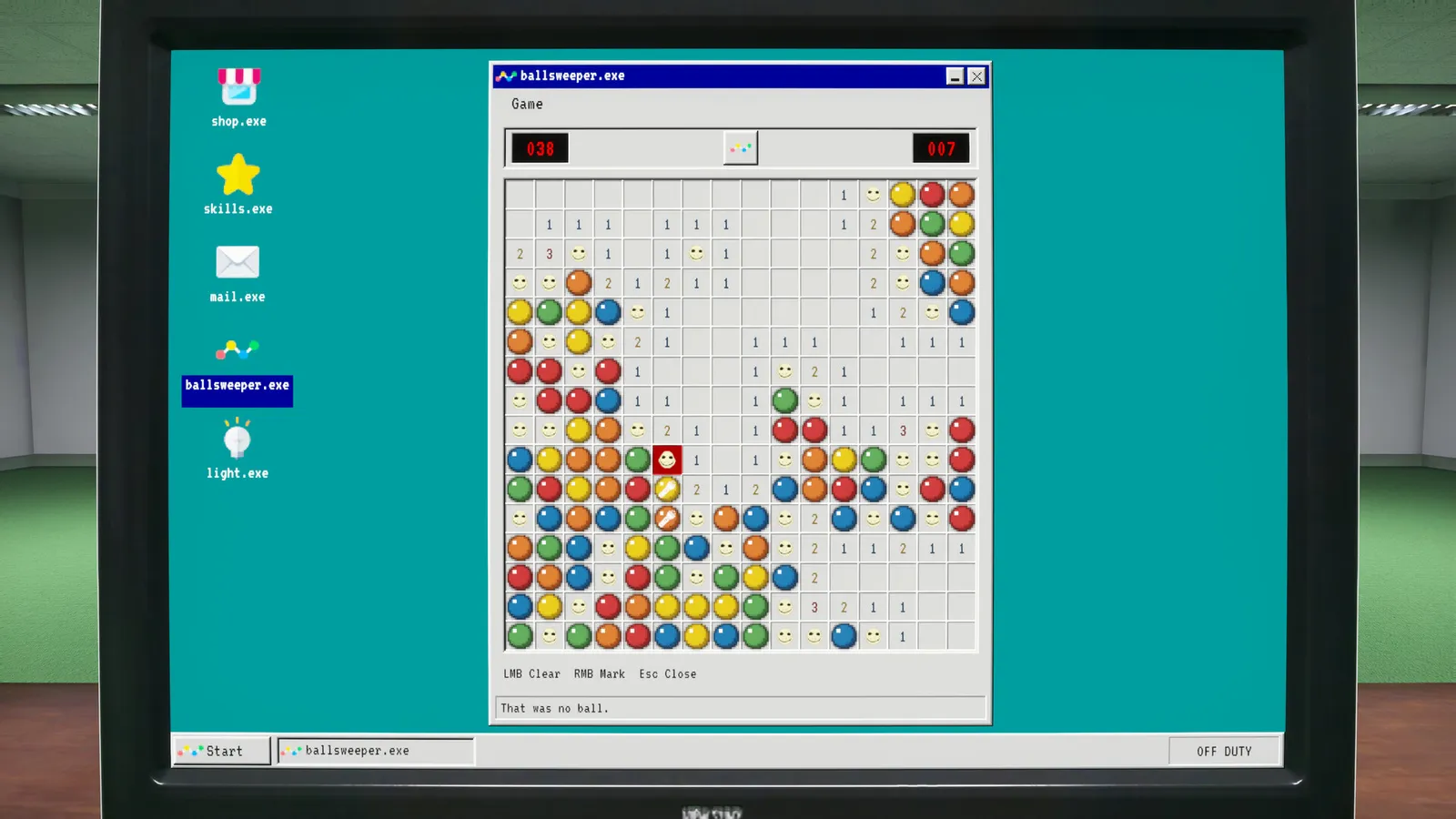
What is Ballsweeper?
About text on the DLC page:
- Adds a mini-game on your in-game computer called Ballsweeper.
- Tagline question: “Can you collect all the balls without getting caught by the entity?”
That entity wording appears only in DLC marketing copy we checked, not as a named main-game character in core store About text. DLC fiction is not extended into the primary shift sim here.
The main Playrooms listing links DLC in API data, but gameplay value for the job sim is explicitly disclaimed by Two Pixels.
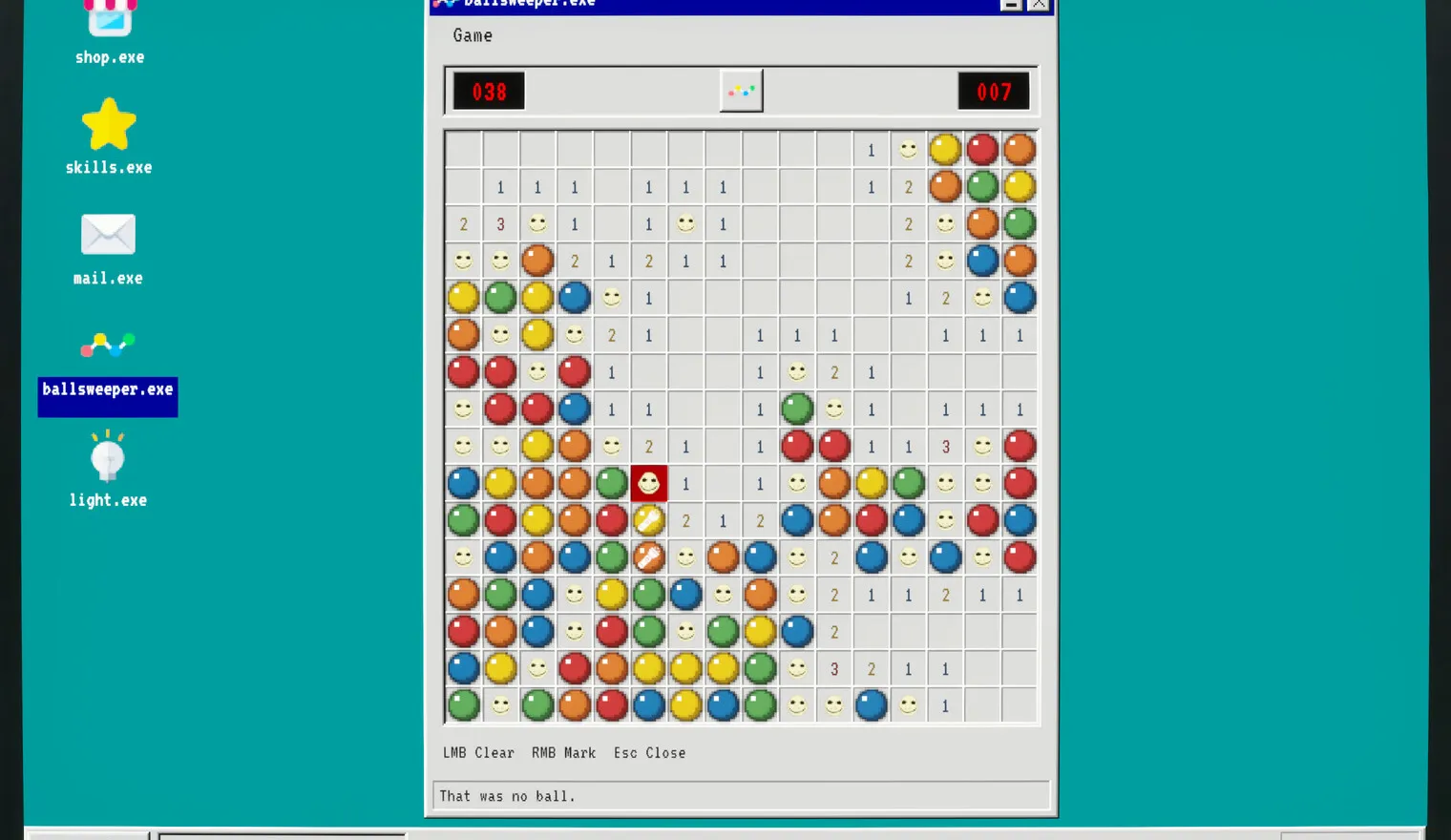
What it is not
Two Pixels short description says the DLC has no game-relevant gameplay value, so it is not required for story areas or main-sim pay-to-win gear as described. Demo app 5246850 and DLC app 5318320 are separate SKUs; the Demo install does not bundle Support DLC per store text we checked. Redeem codes are not mentioned in DLC store text we checked.
For the core title, see what is Playrooms and release date / price.
Related pages
Screenshots: official Steam store media for app 5318320, © Two Pixels UG. Facts: Steam store page and official Steam announcements, checked 2026-11-02.
FAQ
What is Playrooms Support DLC on Steam?
Does Ballsweeper change Playrooms main gameplay?
Is Ballsweeper in the Playrooms Demo?
How much does Playrooms Support DLC cost?
Related Articles
guides
Playrooms (Two Pixels) Controls and Keybinds on Steam
Documented Playrooms Demo controls: E and mouse interact, tools on 1 2 and F, hand lamp key shown, controller fixes, Camera Comfort and volume tags.
guides
Playrooms Difficulty Modes — Cozy, Normal, Hardcore (Steam)
Official Playrooms Cozy, Normal, and Hardcore rules from the in-game monitor and Steam store Flexible Working Arrangements text on Two Pixels ball pit shifts.
guides
Playrooms Lag and Crashes Fix — Lightmap Resolution, Player.log
Official Playrooms Demo fixes for light shutdown stalls: Graphics Lightmap Resolution Auto or Quarter, Player.log path, and [email protected].
Was this helpful?
Thanks for the feedback!