
Playrooms Difficulty Modes — Cozy, Normal, Hardcore (Steam)
Official Playrooms Cozy, Normal, and Hardcore rules from the in-game monitor and Steam store Flexible Working Arrangements text on Two Pixels ball pit shifts.
Which Playrooms difficulty should I pick?
Playrooms (Two Pixels UG, Steam) exposes three modes on an in-game “Choose a game mode” monitor. Wording below matches official Steam screenshots for the full game listing. The store About section titles the choice Flexible Working Arrangements: “No fear at all, the way it’s meant to be played, or no second chances?”
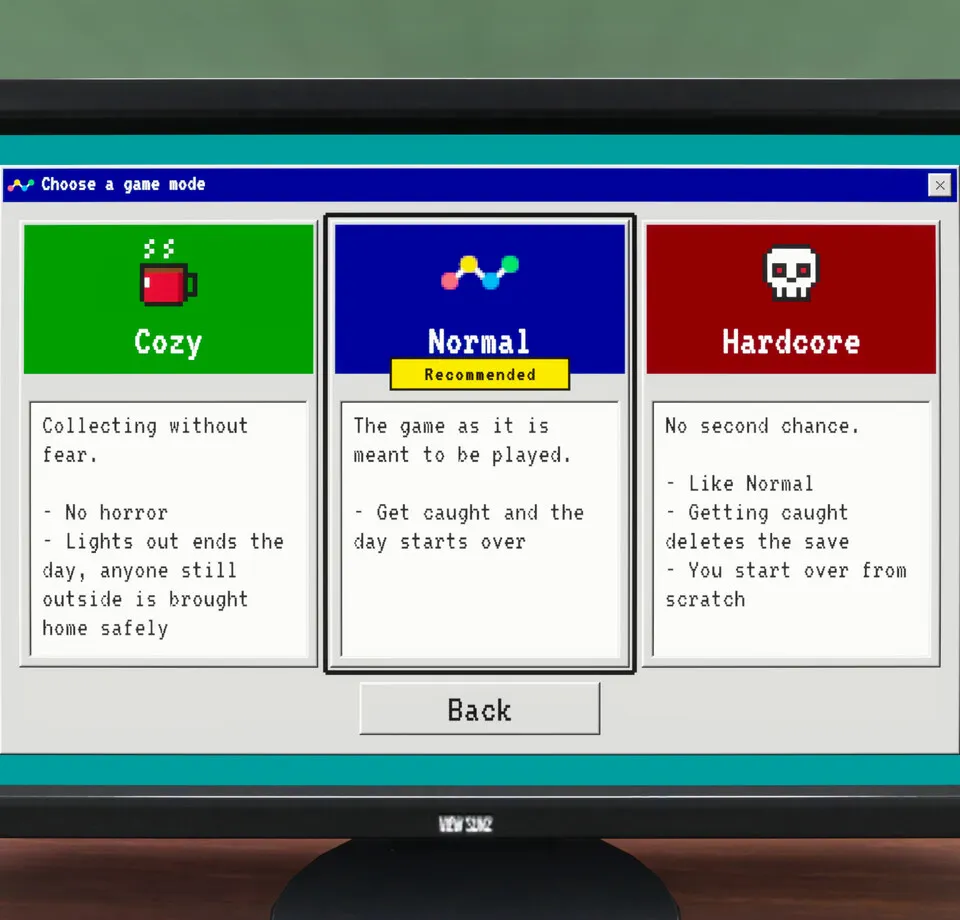
Official mode comparison
| Mode | Header text (screenshot) | Bullets shown on monitor |
|---|---|---|
| Cozy | Collecting without fear. | No horror · Lights out ends the day, anyone still outside is brought home safely |
| Normal | The game as it is meant to be played. (Recommended badge) | Get caught and the day starts over |
| Hardcore | No second chance. | Like Normal · Getting caught deletes the save · You start over from scratch |
Steam content descriptors still classify the product as horror with jumpscares and darkness even when Cozy claims No horror on the card. Pick mode from the card text and the store descriptors together, not from one line alone.
What getting caught means (by mode)
Cozy ends the day when lights out; anyone still outside is brought home safely (no “day starts over” line on the card). Normal restarts the day when caught. Hardcore matches Normal otherwise, but capture deletes the save and you start from scratch.
Shift lighting context: lights out and getting caught.
Which mode fits your run?
From the card text alone: Cozy if you want the No horror promise and safe end-of-day handling when lights out. Normal if you want the Recommended label and a day restart penalty without a save wipe. Hardcore only if you accept full save deletion on capture. Two Pixels has not published win-rate or achievement guidance tied to modes.
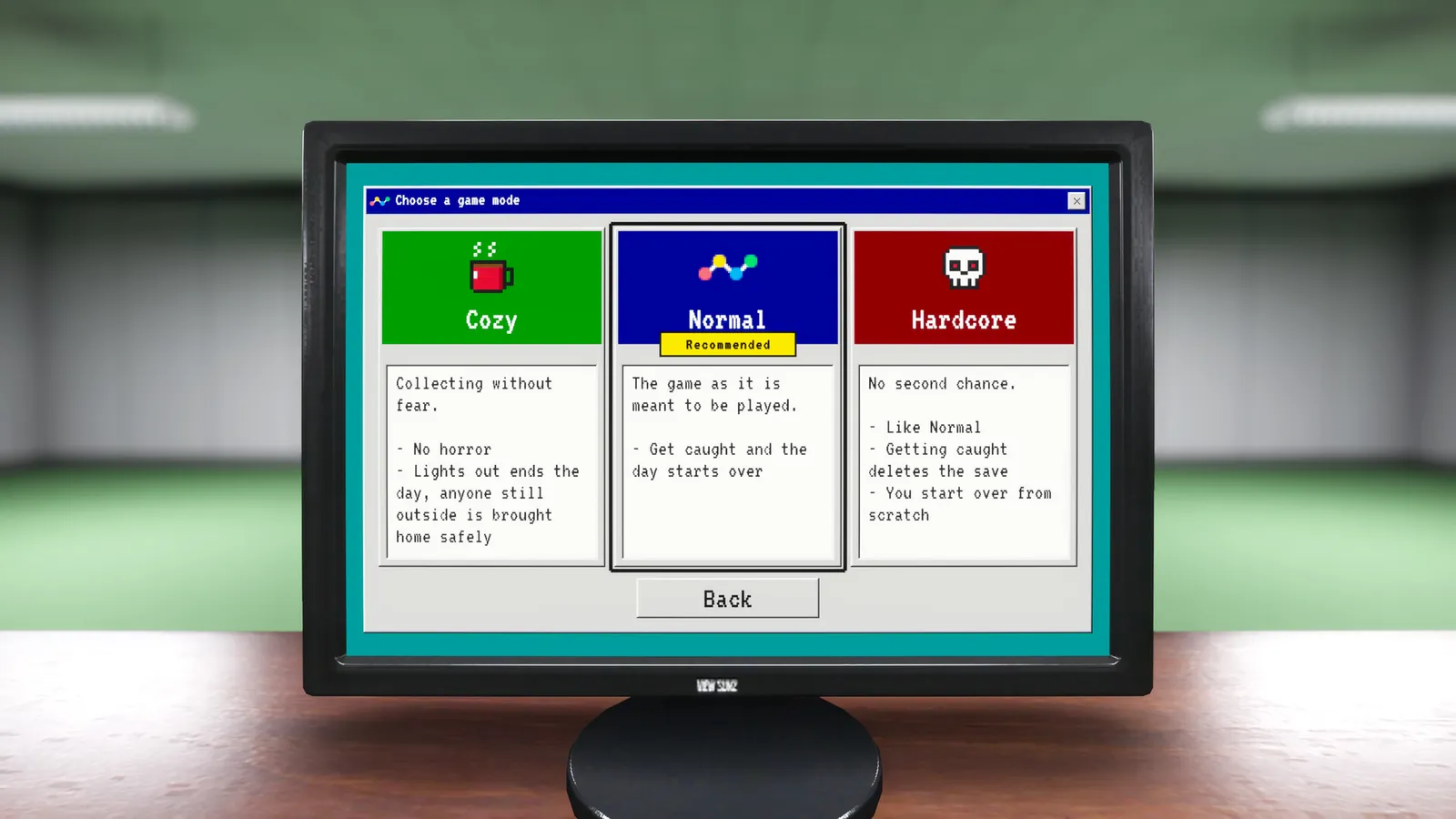
Controller note
October 20, 2026 Demo patch notes say game mode selection is highlighted more clearly for controller users. Input details: controls and keybinds.
Related pages
Screenshots: official Steam store media, © Two Pixels UG. Facts: Steam store page and official Steam announcements, checked 2026-11-02.
FAQ
What is the recommended difficulty in Playrooms?
Does Cozy mode have horror in Playrooms?
What happens if you get caught on Hardcore?
Where do you pick difficulty in Playrooms?
Related Articles
guides
Playrooms Support DLC — Ballsweeper (Two Pixels Steam)
Playrooms Support DLC app 5318320 on Steam: Ballsweeper mini-game on the in-game PC, no main-game gameplay value, Coming soon, not in the Demo.
guides
Playrooms (Two Pixels) Controls and Keybinds on Steam
Documented Playrooms Demo controls: E and mouse interact, tools on 1 2 and F, hand lamp key shown, controller fixes, Camera Comfort and volume tags.
guides
Playrooms Lag and Crashes Fix — Lightmap Resolution, Player.log
Official Playrooms Demo fixes for light shutdown stalls: Graphics Lightmap Resolution Auto or Quarter, Player.log path, and [email protected].
Was this helpful?
Thanks for the feedback!