
Playrooms (Steam) System Requirements — Demo and Full Game
Official Playrooms and Playrooms Demo PC specs from Steam: Windows 10, GTX 1060 6GB minimum, RTX 2060 recommended, and 4 GB vs 10 GB storage.
What PC do I need for Playrooms on Steam?
Two Pixels publishes the same CPU, RAM, GPU, DirectX, and OS block for Playrooms and Playrooms Demo on Steam. Only storage size differs. Values below are copied from the Steam store API on November 2, 2026.
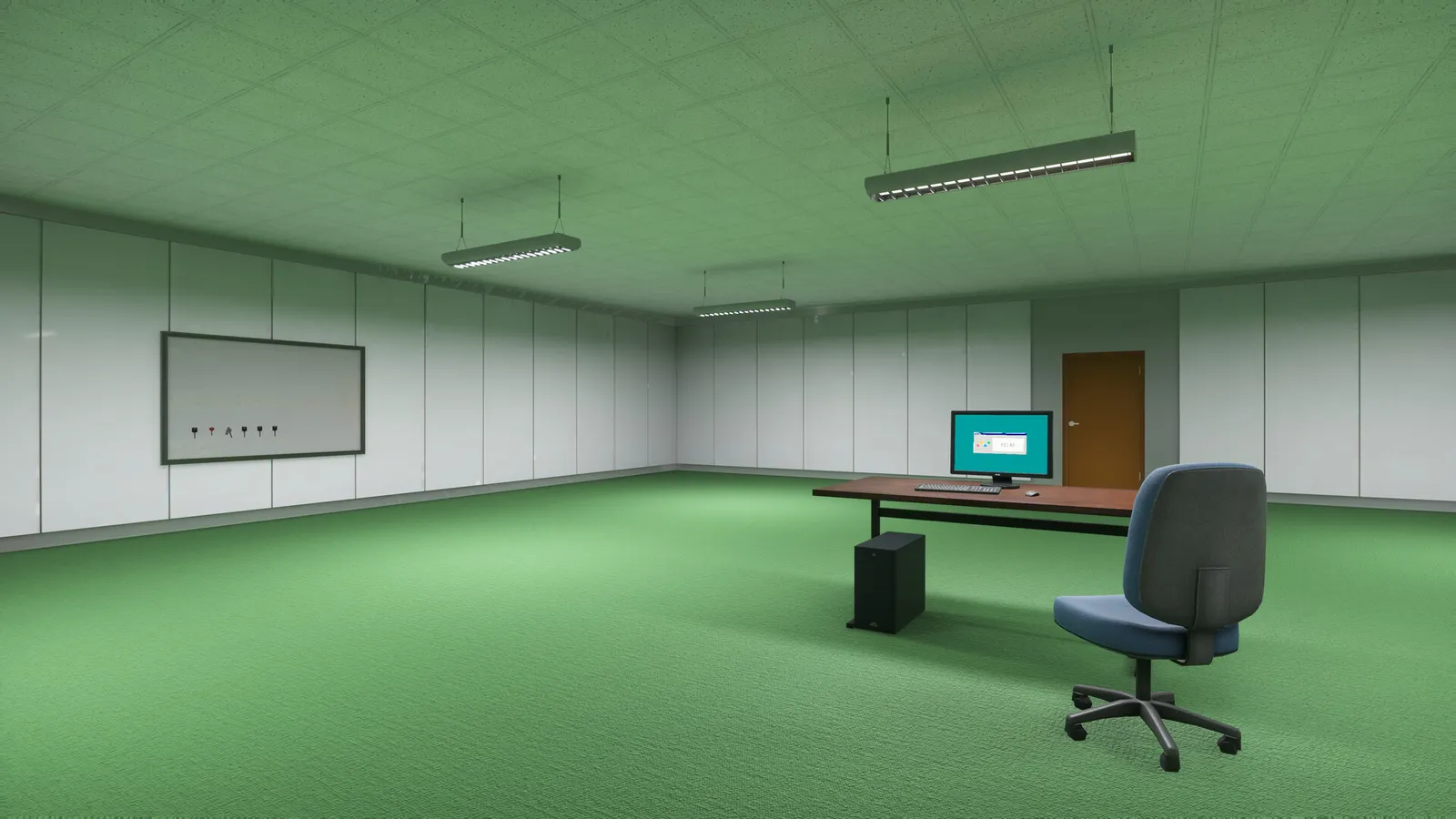
Minimum requirements (official)
| Component | Playrooms (5037510) | Playrooms Demo (5246850) |
|---|---|---|
| OS | Windows 10 64-bit | Windows 10 64-bit |
| Processor | Intel Core i5-7600K or AMD Ryzen 5 1600 | Same |
| Memory | 8 GB RAM | 8 GB RAM |
| Graphics | NVIDIA GTX 1060 (6GB) or AMD RX 580 | Same |
| DirectX | Version 11 | Version 11 |
| Storage | 10 GB available space | 4 GB available space |
| Sound | Standard sound card | Standard sound card |
Does a GTX 1060 6GB work?
Steam lists GTX 1060 (6GB) at minimum. Two Pixels has not posted benchmark tables or FPS targets, so treat the line as a hardware floor, not a promise of smooth frame rate at max settings.
October 15, 2026 news tied light-row shutdown stutters to limited graphics memory and added Lightmap Resolution. If you sit on minimum VRAM, read fix lag and crashes before upgrading hardware.
Recommended requirements (official)
| Component | Spec |
|---|---|
| OS | Windows 10 64-bit |
| Processor | Intel Core i5-10400 or AMD Ryzen 5 3600 |
| Memory | 16 GB RAM |
| Graphics | NVIDIA RTX 2060 (6 GB) or AMD RX 5700 |
| DirectX | Version 11 |
| Storage | 10 GB (full game) / 4 GB (Demo) |
| Sound | Standard sound card |
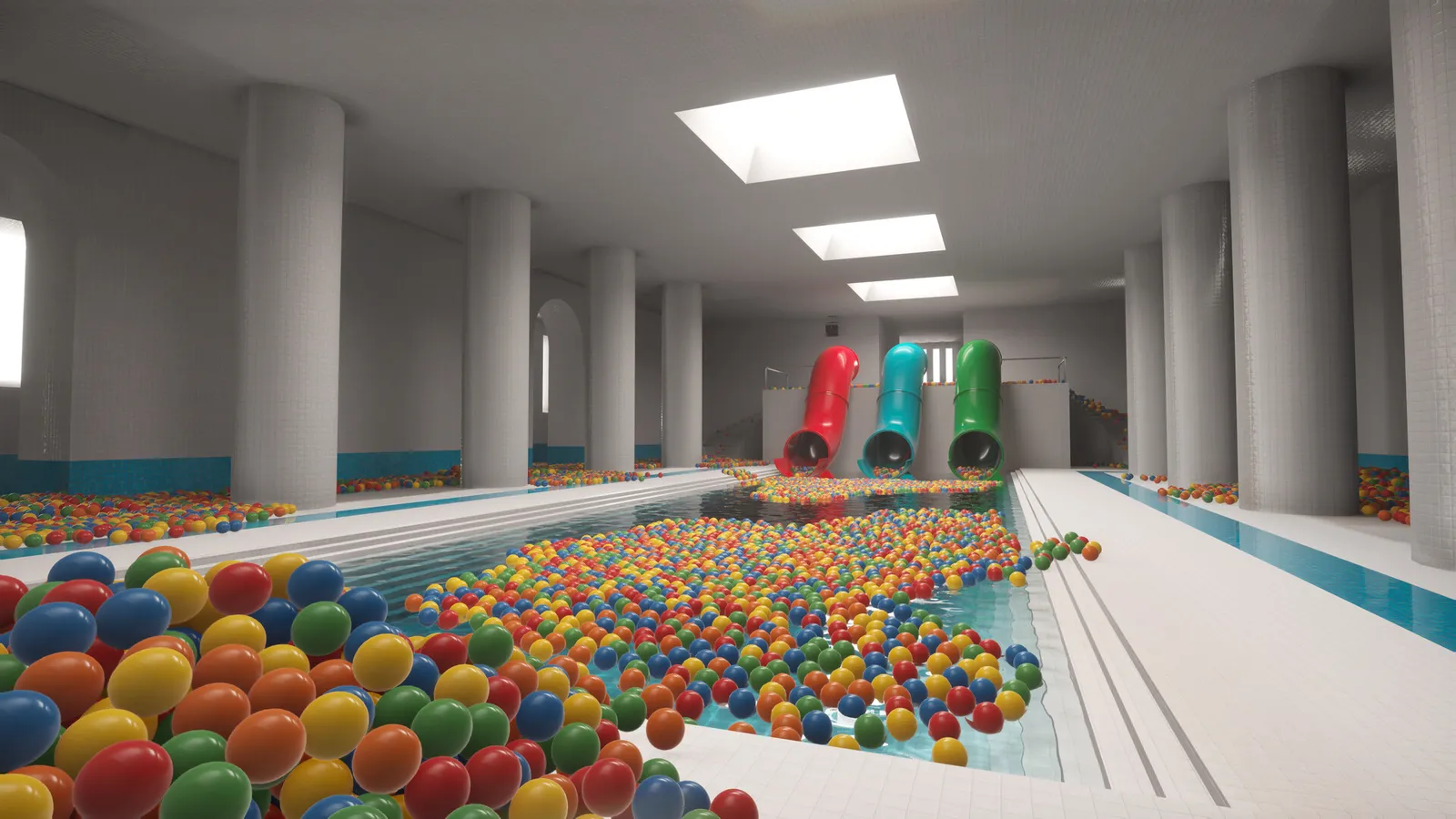
Demo vs full game install size
Plan 4 GB free for the Demo alone and 10 GB if you keep both Demo and the eventual full install. Steam may add download overhead; the API numbers are available-space fields only.
Graphics setting tied to specs (Lightmap Resolution)
Two Pixels added Lightmap Resolution under Graphics in the October 15, 2026 Demo update:
- Auto selects an appropriate level for your workstation.
- Quarter lowers lightmap resolution if stalls continue when lights switch off section by section.
That is the only official link between GPU memory pressure and a user-facing setting. Step-by-step troubleshooting lives in fix lag and crashes.
Related pages
- Fix lag and crashes (Lightmap Resolution, Player.log)
- Playrooms Demo guide
- Controls and accessibility tags
Screenshots: official Steam store media, © Two Pixels UG. Facts: Steam store page and official Steam announcements, checked 2026-11-02.
FAQ
Can Playrooms run on a GTX 1060 6GB?
How much disk space does the Playrooms Demo need?
Does Playrooms require Windows 11?
Where is Lightmap Resolution in Playrooms?
Related Articles
guides
Playrooms Support DLC — Ballsweeper (Two Pixels Steam)
Playrooms Support DLC app 5318320 on Steam: Ballsweeper mini-game on the in-game PC, no main-game gameplay value, Coming soon, not in the Demo.
guides
Playrooms (Two Pixels) Controls and Keybinds on Steam
Documented Playrooms Demo controls: E and mouse interact, tools on 1 2 and F, hand lamp key shown, controller fixes, Camera Comfort and volume tags.
guides
Playrooms Difficulty Modes — Cozy, Normal, Hardcore (Steam)
Official Playrooms Cozy, Normal, and Hardcore rules from the in-game monitor and Steam store Flexible Working Arrangements text on Two Pixels ball pit shifts.
Was this helpful?
Thanks for the feedback!