
Playrooms (Two Pixels) Controls and Keybinds on Steam
Documented Playrooms Demo controls: E and mouse interact, tools on 1 2 and F, hand lamp key shown, controller fixes, Camera Comfort and volume tags.
What controls does Two Pixels document for Playrooms?
Most verified input facts come from Playrooms Demo patch notes on Steam (app 5037510 news). The Demo store page adds Full controller support, Camera Comfort, Custom Volume Controls, and Playable without Timed Input. Those tags also appear on the full game except Full controller support and Save Anytime.
Bindings not in those sources are left as not documented rather than guessed. Facts below were checked against Steam news on November 2, 2026.
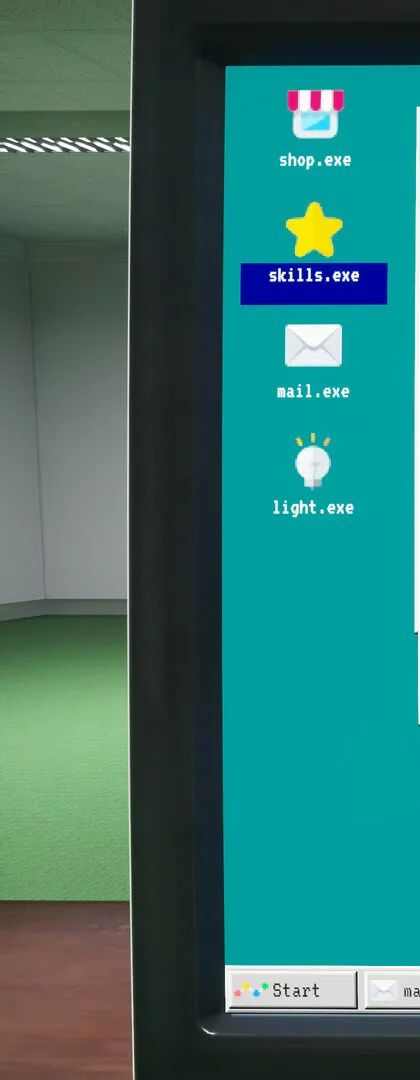
Keyboard and mouse (confirmed)
| Action | Binding | Source |
|---|---|---|
| Interact (doors, pits, dispensers, equipment) | E (also left mouse) | Demo update, 2026-10-13 |
| Tool slots | 1, 2, F on HUD icons | Demo update, 2026-10-13 |
| Hand lamp | Own key still displayed on icon | Demo update, 2026-10-13 |
| Sprint | Key shown when permission granted | Demo update, 2026-10-13 |
| Crouch | Key shown when permission granted | Demo update, 2026-10-13 |
| Shift start | Press any key prompt (blinks; respects reduced blinking setting) | Demo update, 2026-10-13 |
| PC programs | X button closes programs (October 14 patch) | Demo update, 2026-10-14 |
Default keys for walk, look, pause, inventory, or sprint/crouch letters before unlock are not in the Steam news we read.
Settings › Controls changes (2026-10-13): keys render as icons (white boxes removed), larger icons, Actions column aligned with Movement, larger Q/E tab keys.
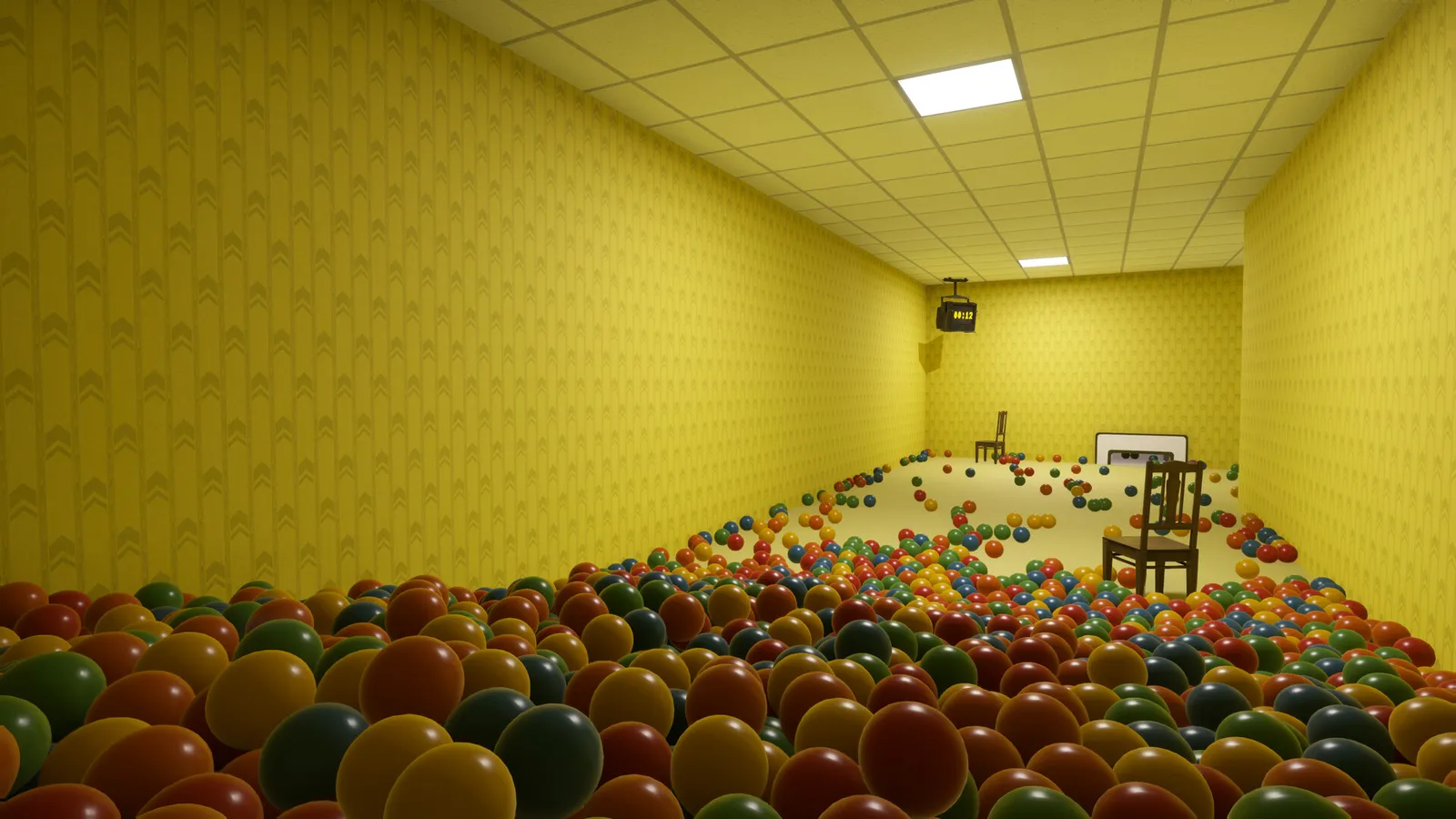
Controller (Demo)
Steam lists Full controller support on the Demo only. Documented fixes and options:
| Topic | Detail | Date |
|---|---|---|
| Menus | Dropdowns open on confirm; settings navigation order matches screen; Reset, Apply, Exit reachable; D-pad not swallowed | 2026-10-20 |
| UI | Larger shoulder symbols; clearer game mode highlight; Balli’s tips reachable | 2026-10-20 |
| Whiteboard | Pointer driven with left stick | 2026-10-20 |
| Look | Invert Y axis option added | 2026-10-20 |
| Tool HUD | Number labels omitted on controller; hand lamp key still shown | 2026-10-13 |
Whether the full release ships with the same controller feature set is not confirmed on the main store tags yet.
Accessibility-related Steam tags
Camera Comfort appears on Demo and full game listings without extra detail beyond the tag. Custom Volume Controls pair well with age-descriptor warnings about loud jumpscares. Playable without Timed Input is listed; no per-minigame breakdown is published. Reduced blinking is referenced for the shift-start prompt (2026-10-13).
Sprint and Crouch permissions
Two Pixels says when SPRINT and CROUCH permissions are granted, the responsible key is communicated and the notice stays longer. They do not name the keys in news text, only that the game tells you in session. Treat specific keys as not documented outside gameplay.
Related pages
- Tools and equipment (scoop, flashlight, hand lamp)
- Difficulty modes (game mode monitor)
- Playrooms Demo guide
Screenshots: official Steam store media, © Two Pixels UG. Facts: Steam store page and official Steam announcements, checked 2026-11-02.
FAQ
What key interacts with doors and ball pits in Playrooms?
Which keys switch tools in Playrooms?
Does Playrooms support controllers on Steam?
Where are Playrooms keybinds shown in-game?
Related Articles
guides
Playrooms Support DLC — Ballsweeper (Two Pixels Steam)
Playrooms Support DLC app 5318320 on Steam: Ballsweeper mini-game on the in-game PC, no main-game gameplay value, Coming soon, not in the Demo.
guides
Playrooms Difficulty Modes — Cozy, Normal, Hardcore (Steam)
Official Playrooms Cozy, Normal, and Hardcore rules from the in-game monitor and Steam store Flexible Working Arrangements text on Two Pixels ball pit shifts.
guides
Playrooms Lag and Crashes Fix — Lightmap Resolution, Player.log
Official Playrooms Demo fixes for light shutdown stalls: Graphics Lightmap Resolution Auto or Quarter, Player.log path, and [email protected].
Was this helpful?
Thanks for the feedback!