
Playrooms (Steam) 難度模式對照
Playrooms 官方 Cozy、Normal、Hardcore 規則:遊戲內螢幕與 Steam 商店 Flexible Working Arrangements 文案,Two Pixels 球池班次難度說明。
Playrooms 該選哪個難度?
Playrooms(Two Pixels UG,Steam)在遊戲內「Choose a game mode」螢幕上提供三種模式。以下措辭對照完整版商店頁的官方 Steam 截圖。商店 About 區塊將此選擇稱為 Flexible Working Arrangements:「No fear at all, the way it’s meant to be played, or no second chances?」(本站翻譯:「完全不怕、照遊戲本來的玩法,還是不給第二次機會?」)
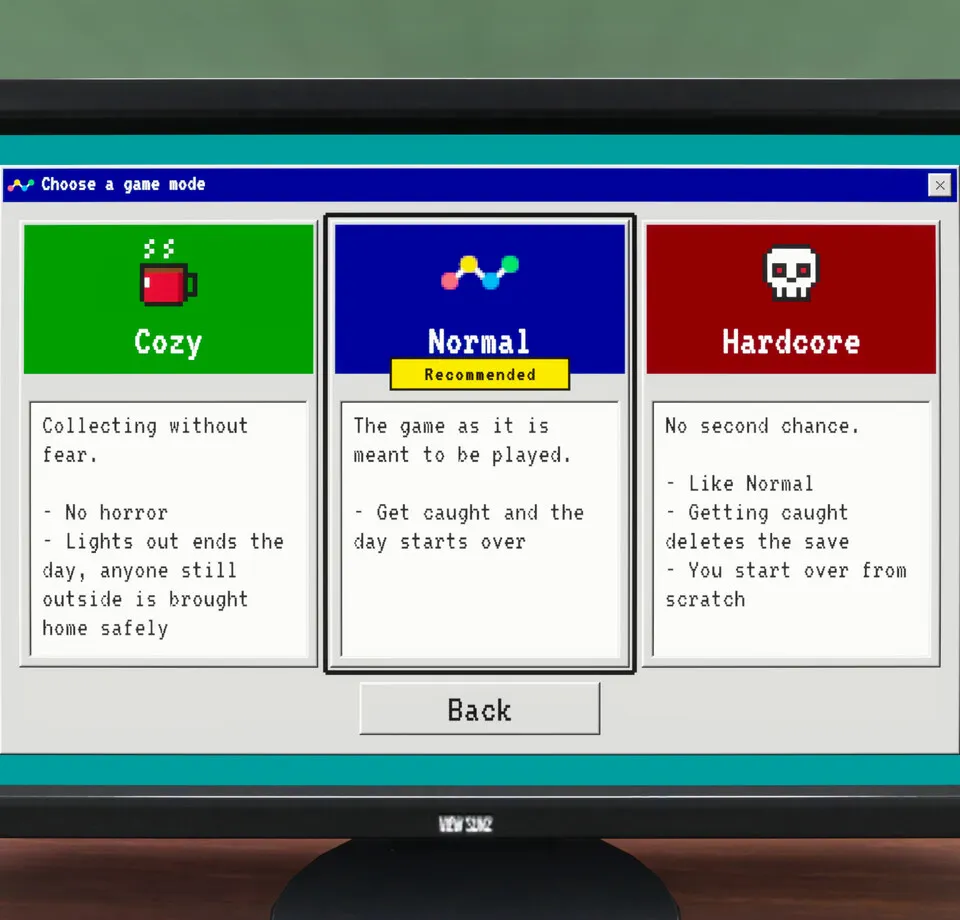
官方模式對照
| 模式 | 標題文字(截圖) | 螢幕顯示條列 |
|---|---|---|
| Cozy | Collecting without fear. | No horror · Lights out ends the day, anyone still outside is brought home safely |
| Normal | The game as it is meant to be played. (Recommended badge) | Get caught and the day starts over |
| Hardcore | No second chance. | Like Normal · Getting caught deletes the save · You start over from scratch |
Steam 內容描述仍將作品標為恐怖、含跳嚇(jump scare)與黑暗段落,即使 Cozy 卡片寫 No horror(無恐怖)。請同時看卡片文字與商店描述,勿只依其中一句。
各模式「被抓」代表什麼
Cozy 在熄燈時結束當日,場外者安全帶回(卡片無「當日重來」那句)。Normal 被抓則當日重來。Hardcore 其餘同 Normal,但被抓會刪除存檔並從頭開始。
班次燈光背景見熄燈與被抓。
哪種模式適合你的流程?
僅依卡片文字:若要 No horror 承諾且熄燈時安全收工,選 Cozy。若要 Recommended 標籤且僅當日重來、不刪整份存檔,選 Normal。僅在能接受被抓刪檔時選 Hardcore。Two Pixels 未公布與模式綁定的通關率或成就建議。
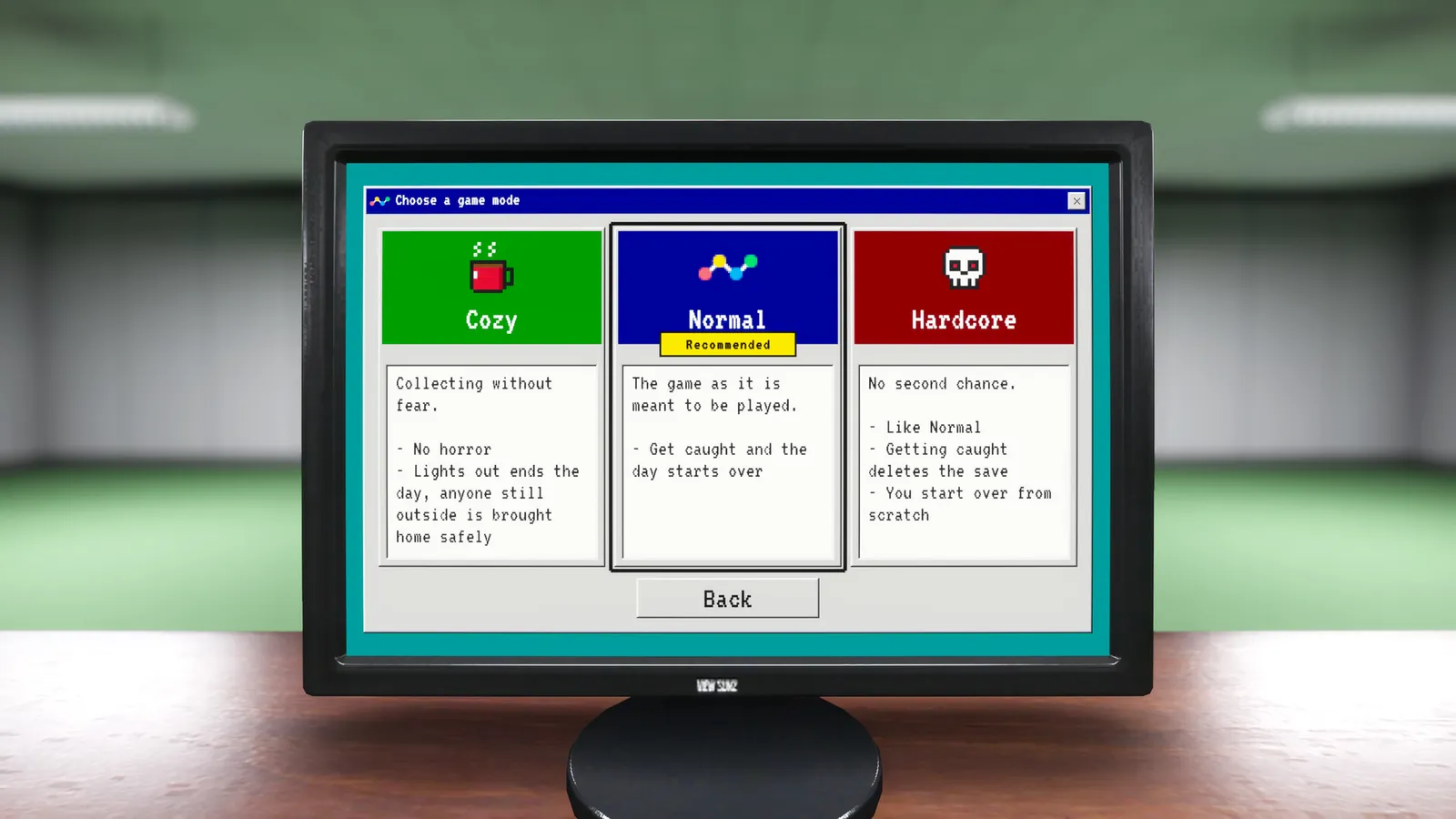
手把備註
2026 年 10 月 20 日試玩版更新說明寫,手把使用者的遊戲模式選擇高亮更清楚。輸入細節見操作與按鍵配置。
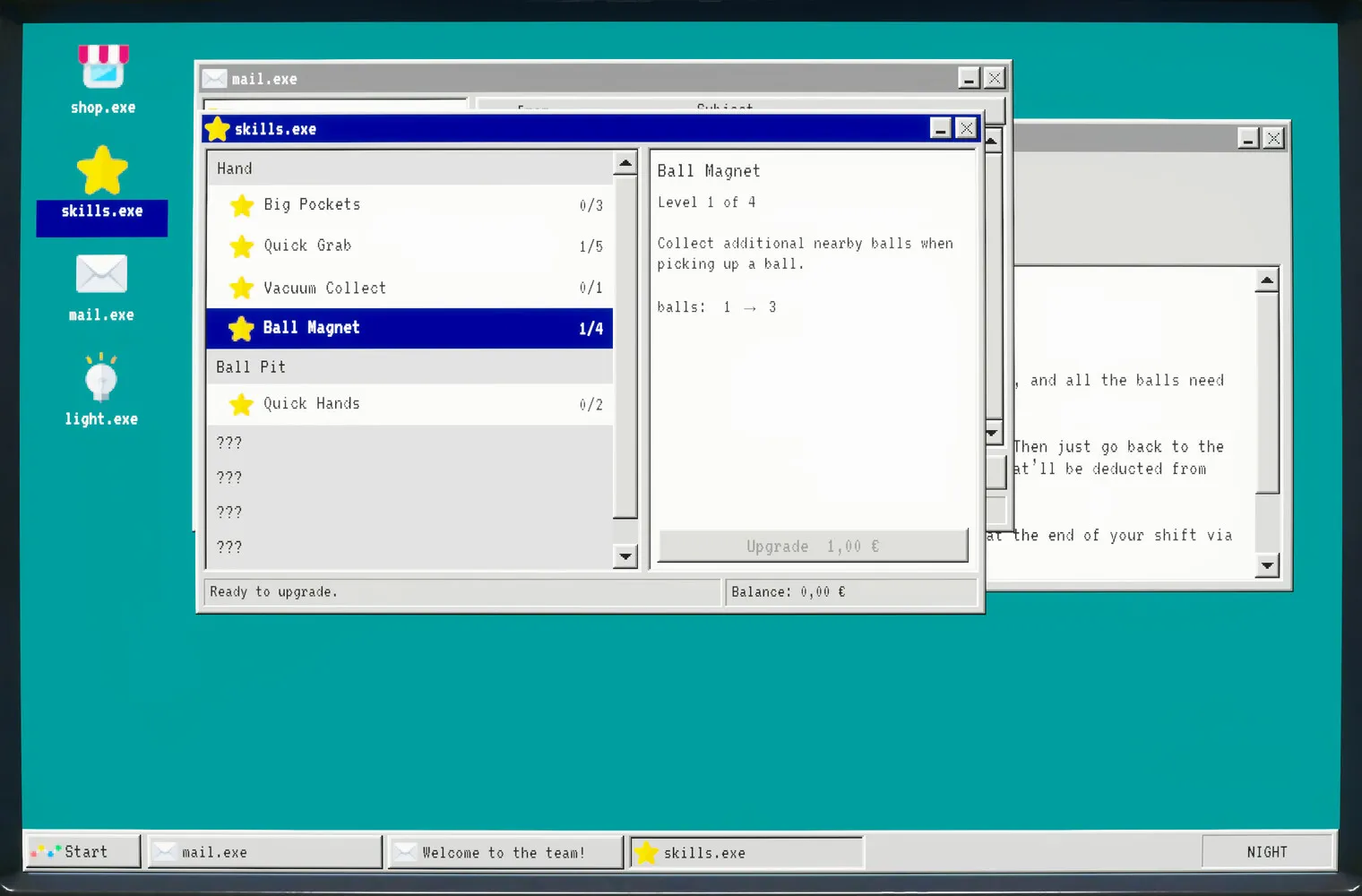
相關頁面
截圖:Steam 官方商店媒體,© Two Pixels UG。事實來源:Steam 商店頁與官方 Steam 公告,查核日期:2026 年 11 月 2 日。
常見問題
Playrooms 建議選哪個難度?
Playrooms 的 Cozy 模式還有恐怖嗎?
Playrooms Hardcore 被抓會怎樣?
Playrooms 在哪裡選難度?
相關文章
guides
Playrooms (Steam) 贊助 DLC
Steam 上 Playrooms Support DLC app 5318320:遊戲內 PC 的 Ballsweeper 小遊戲、無主線玩法價值、即將推出、不在試玩版。
guides
Playrooms (Steam) 操作與按鍵配置
Playrooms 試玩版已記載的操作:E 與滑鼠互動、工具鍵 1 2 F、手提燈鍵位顯示、手把修正,以及鏡頭舒適度與音量等 Steam 標籤。
guides
Playrooms (Steam) 卡頓閃退排除
Two Pixels 官方試玩版關燈停滯修復:Graphics 的 Lightmap Resolution 設 Auto 或 Quarter、Player.log 路徑與 [email protected]。
這篇有幫助嗎?
感謝你的回饋!